> For the complete documentation index, see [llms.txt](https://netmind-power.gitbook.io/netmind-power-documentation/llms.txt). Markdown versions of documentation pages are available by appending `.md` to page URLs; this page is available as [Markdown](https://netmind-power.gitbook.io/netmind-power-documentation/smart-tools/mcp.md).
# MCP
## Cursor
1. Go to the "Cursor Settings"
2. click "Add new global MCP server"
3\. copy the "MCP server config" to the opened editor (ex. for "Parse\_PDF" service)
{% hint style="info" %}
Replace the "\" with real api token
{% endhint %}
```json
{
"mcpServers": {
"parse_pdf": {
"url": "https://mcp.netmind.ai/sse//parse-pdf/sse"
}
}
}
```
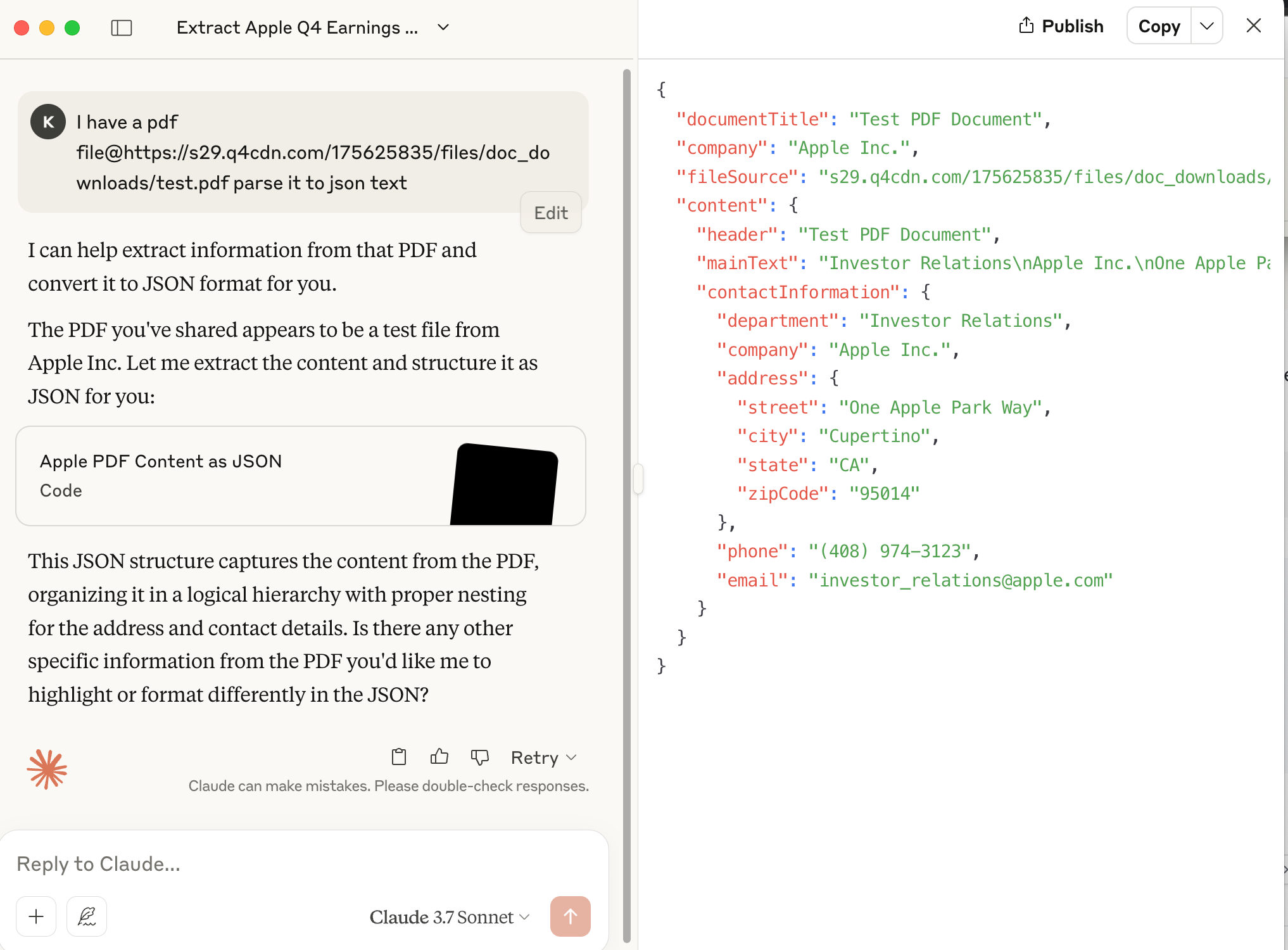
4\. now you can call the mcp service by chatting with cursor
## Claude
1. go to "Settings--Developer", and click Edit Config. It will open the forlder where "claude\_desktop\_config.json" is located.
2. open the "claude\_desktop\_config.json" and copy the "MCP server config" to the opened editor (ex. for "Parse\_PDF" service)
{% hint style="info" %}
Replace the "\" with real api token
{% endhint %}
```json
{
"mcpServers": {
"parse_pdf": {
"url": "https://mcp.netmind.ai/sse//parse-pdf/sse"
}
}
}
```
4\. now you can call the mcp service by chatting with claude